
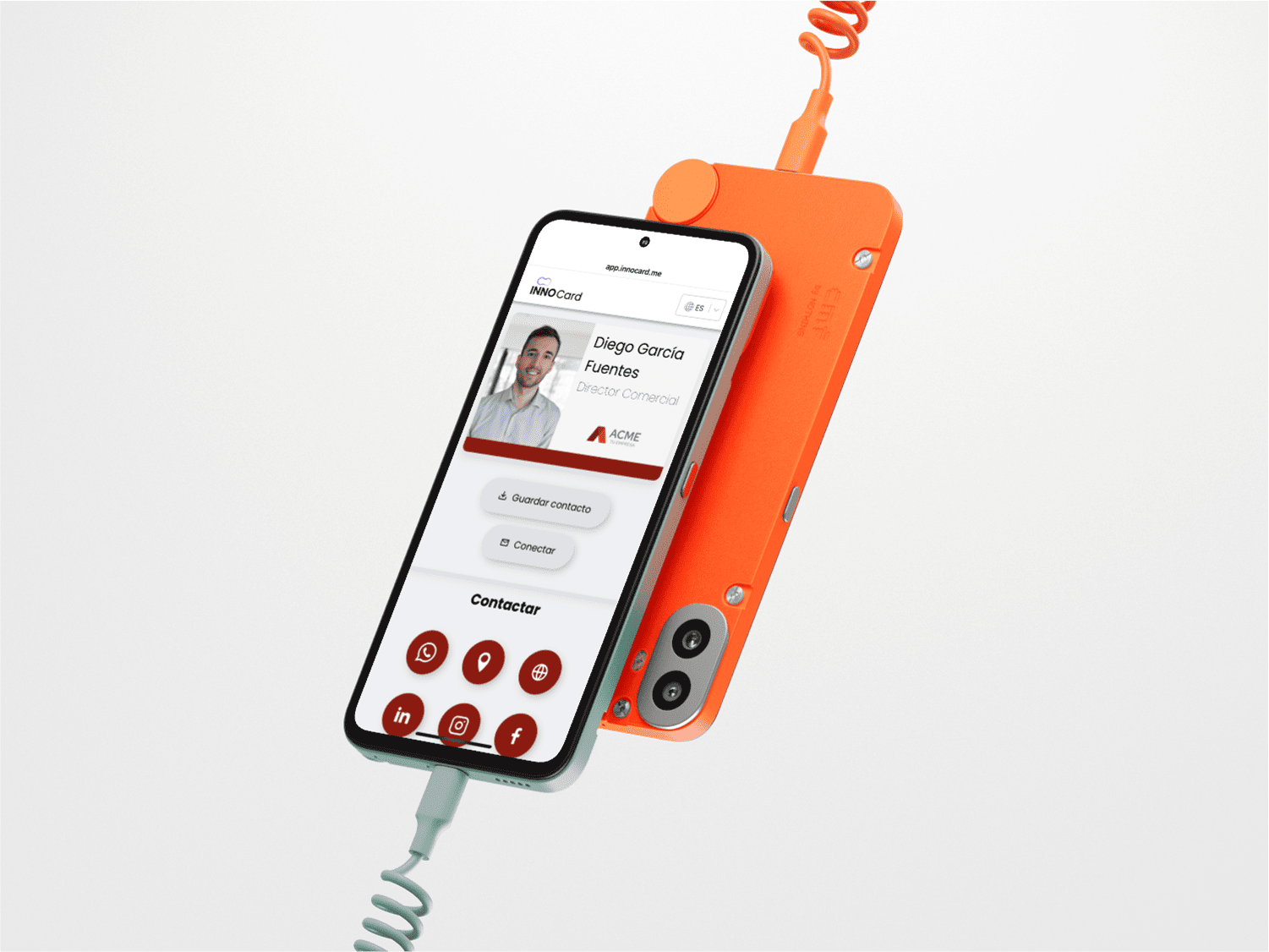
One of the most common concerns when switching from traditional paper business cards to digital ones is whether you can share them with someone who doesn’t have one. With traditional business cards, it’s easy to hand a physical card to anyone, but how does this work in the digital world?
What Do You Need to Share Your Digital Business Card?
With INNOCard, the answer is simple: your smartphone.
The other person doesn’t need to have any special app. One of the biggest advantages of digital business cards is how effortlessly they can be shared—made even easier thanks to QR codes.
When you create your digital business card with INNOCard, a unique QR code is automatically generated. This QR code links directly to your contact profile, including your details, photo, logo, calendar, files, social media, and more.
To share your card, all the other person needs is a smartphone with a camera or a QR code reader.
How to Share Your Digital Business Card?
Sharing your digital business card with INNOCard is as easy as scanning a code. Here’s how:
- Open your card in your wallet and show the QR code: If you have your digital business card saved in your mobile wallet (Google Wallet or Apple Wallet), simply open it and display the QR code so the other person can scan it. It’s quick and convenient—no need for any external apps.
- Send the QR code via email: You can include the QR code in your email signature. This way, every time you send a message, your business card will automatically be available to the recipient—they just need to scan the code.
- Share the link via WhatsApp: Another practical option is to send a direct link to your digital business card through WhatsApp. Just copy the link and send it like any other message.
- Add the QR code to your LinkedIn banner: If you want all visitors to your LinkedIn profile to have access to your digital business card, simply place the QR code in your profile banner. This way, anyone viewing your profile can scan the code and instantly access your professional information.
What Happens After Someone Scans Your QR Code?
When someone receives your QR code, all they need to do is scan it. Depending on their device, they can do this using their phone’s camera or a QR scanning app.
What Can They Do After Scanning Your Digital Business Card?
Once someone scans your QR code and accesses your professional profile, they can do much more than just view your basic contact information.
Depending on how you've set up your digital business card, they can:
- Visit your social media profiles – Access your LinkedIn, Twitter, Facebook, Instagram, and more.
- Send you an email – A single tap lets them email you directly.
- Message you on WhatsApp – They can contact you instantly without needing to look up your number.
- Schedule a meeting – If you’ve included a calendar, they can book a meeting with you in just one click.
- Fill out a contact form – Allow users to provide details or ask questions easily.
- View and download attachments – Share important documents, PDFs, presentations, and other files.
Benefits of Sharing Your Digital Business Card Easily
- Saves time – No need to collect email addresses or carry around physical cards.
- More accessible – Anyone with a smartphone can access your card without restrictions.
- Eco-friendly – Say goodbye to paper printing and contribute to environmental sustainability.
In conclusion, INNOCard digital business cards are designed to make networking easier—not just with people who already use them, but with everyone.
So, if you’ve ever wondered whether you can share your digital business card with someone who doesn’t have one, the answer is a resounding yes. All they need is a QR code scanner, and your information will be instantly available.
If you don’t have your digital business card yet, now is the perfect time to create one with INNOCard and start enjoying all its benefits. Create your digital business card today with INNOCard and start sharing it instantly!